Construction Document Control: How to Prevent Rework and Scale | R. Construction Solutions
Document control in construction means every drawing, RFI, submittal, and change order reaches the right person in the right version at the right moment. The single most impactful step you can take right now is to establish one source of truth, a Common Data Environment, and enforce naming and revision rules on every file that touches it. Everything else below builds on that priority.
TL;DR:
Proper document control prevents costly rework by ensuring everyone works from the latest, correctly revised drawings and avoids outdated information on-site.
Establishing a strict naming convention, revision process, and distribution matrix early on helps prevent errors caused by disorganized files and unclear document sharing.
Using a qualified Common Data Environment with audit trails, enforced metadata, and revision locking is essential for traceability and legal defensibility during disputes.
Effective workflows for RFIs, submittals, and project closeout require logged transmittals, clear response windows, and dedicated roles to maintain schedule and protect project records.
Phased implementation, starting with a pilot project and strong leadership buy-in, makes adopting document control systems manageable and ensures long-term compliance.
Table of Contents
Why Document Control Construction Practices Prevent Costly Rework
What Fixing Document Control Actually Looks Like In Practice
How R. Construction Solutions Helps You Put This Into Practice
Why Document Control Construction Practices Prevent Costly Rework
A superintendent hands the crew an outdated foundation drawing. Nobody catches it until concrete is poured. That single mistake can trigger rework that costs six figures, and it happens more often than most owners admit out loud.
Poor document control creates cascading financial exposure. When revisions circulate through email threads and shared drives instead of a controlled workflow, someone always ends up building from the wrong version. Formal document control fixes this by creating an auditable trail that protects every party when disputes surface later.
Statistic Callout: A single outdated drawing reaching the field can trigger rework costs that can be very high. That number alone justifies the administrative overhead of proper version control on any job over a few hundred thousand dollars.
Unanswered RFIs and stalled submittals compound the problem differently. Every day a submittal sits without a stamped response is a day the schedule slips, and schedule slips turn into liquidated damages or strained subcontractor relationships. The AIA A201 general conditions require architects to respond “with reasonable promptness” against an approved submittal schedule, but that phrase means little without a document control system tracking who holds the ball and for how long.
Legal defensibility is the piece most contractors underestimate until they need it. Under the Federal Rules of Evidence 902(13) and 902(14), electronic records with a verifiable audit trail can be self-authenticating in litigation, which means:
A properly logged transmittal history can stand as evidence without a witness walking a judge through every email.
Revision logs showing who approved what, and when, become your first line of defense in a claims dispute.
Missing or informal documentation shifts the burden onto you to reconstruct a timeline from memory and scattered files.
That last point is where most growth-stage contractors get exposed. They win the argument on the merits but lose it on paperwork.
Core Practices Every Project Needs From Day One
Naming conventions sound like a minor administrative detail until you are three months into a project and nobody can find the current structural drawing among fourteen files named “final,” “final2,” and “final_REVISED.” A workable template looks like this: ProjectCode_Discipline_DocType_Number_Revision_Status (for example, RCS100_STR_DWG_014_R3_APPROVED). Every file also needs minimum metadata: originator, discipline, date issued, revision number, and approval status.
Industry guidance consistently points to five foundational practices: naming conventions, version and revision control, latest-approved tracking, distribution and access rules, and retention requirements. Skip any one of them and the other four lose their value fast.
Revision and status are not the same thing, and conflating them is one of the most common document control errors on a job site. A revision number tracks how many times a document changed. A status label tracks where it stands in the approval process right now. Common status labels include:
Draft — internal work product, not for distribution outside the design team.
Issued for Review — circulated for comment but not approved for construction.
Approved for Construction — the only version field crews should ever build from.
Superseded — a prior revision retained for the record but locked from active use.
Void — cancelled or replaced entirely, kept only for historical reference.
“Slip-sheeting” refers to swapping an outdated sheet in a set with the current one while preserving the rest of the package intact. Done manually, it is a common source of errors. Done through a controlled workflow, it becomes a routine, low-risk update.
Distribution matrices solve a related problem: who actually needs to see this document? A matrix maps document types against roles (architect, GC, subcontractor, owner’s rep) so that transmittals go only to relevant parties, and every transmittal creates a timestamped, traceable record of exchange. That traceability matters more than most teams realize until an owner disputes a change order six months after the fact.
Pro Tip: Build your naming convention and distribution matrix before you issue a single RFI on the next project, not after the third argument about which drawing is current. Retrofitting discipline mid-project always costs more than starting with it.
Workflows That Determine Whether Your Schedule Holds
RFIs and submittals are where document control either earns its keep or quietly falls apart. An RFI lifecycle typically runs: submission, acknowledgment, technical review, formal response, and closeout logging. Response windows vary by contract, but industry norms often cluster around 10 to 21 working days depending on complexity and the governing agreement.
Statistic Callout: Contracts commonly specify RFI response windows around 10 working days, though the actual number depends entirely on what your agreement states. Never assume a default window applies without checking your contract language first.
Submittal routing works on a similar principle but with more stops along the way. A submittal moves from subcontractor to GC to design team, picks up a stamp (approved, approved as noted, revise and resubmit, rejected), and returns. Every one of those handoffs needs a logged transmittal, because the gap between “I sent it” and “I have proof I sent it” is exactly where disputes live.
Ownership matters as much as process. On smaller jobs, the project manager or the GC’s operations lead often absorbs document control alongside a dozen other responsibilities, and that works until volume outpaces attention. Consider these triggers for dedicating a role:
Multiple active projects running submittal logs and RFI trackers simultaneously.
A single job generating more than a few hundred transmittals over its lifecycle.
Recurring closeout delays tied to missing as-builts or unresolved punch items.
At that point, a dedicated document controller, or at minimum a closeout coordinator assigned from the project’s start, stops being overhead and starts being cheap insurance.
Choosing a Common Data Environment Without the Vendor Noise
A Common Data Environment (CDE) is not the same thing as a shared drive with good intentions. ISO 19650 defines a CDE as a system that assigns unique identifiers, enforces revision control, and maintains an audit trail automatically, not through someone remembering to update a spreadsheet.
Many teams treat SharePoint or a general shared drive as their de facto CDE, but these tools typically lack the immutable audit trails and granular state controls that ISO 19650 compliance actually requires. A folder structure is not a workflow. Anyone with edit access can overwrite a file, and there is often no permanent record of who changed what.
When evaluating a platform, treat these as non-negotiable rather than nice-to-have:
Immutable audit trail that logs every view, edit, and approval action with a timestamp.
Enforced metadata fields so a file cannot be uploaded without a discipline, revision number, and status.
Revision control that locks superseded versions from active use while preserving them for the record.
API integrations connecting the CDE to your project management or CMIS platform rather than living in isolation.
Mobile and offline access, because a system field crews cannot open on-site has failed at its one job, according to Fieldwire’s field guidance.
A lightweight tool suffices for a small residential remodeler running two jobs a year. A full CDE becomes necessary the moment you are coordinating multiple trades, a design team, and an owner’s rep across a job that will generate hundreds of documents. Pick based on what the project actually demands, not on what a sales rep insists you need.
Closing Out a Project Without the Paper Chase
Closeout should never be a two-week scramble at the finish line. Treating it as an ongoing process from day one and assigning a coordinator early avoids the frantic hunt for missing as-builts that plagues so many otherwise well-run jobs.
A complete handover package generally includes:
As-built drawings reflecting every field change made during construction.
Operations and maintenance (O&M) manuals for installed equipment and systems.
Warranty documentation from manufacturers and subcontractors.
COBie structured data files when the contract calls for digital facility management handover.
Retention timelines depend heavily on your contract type. For federally contracted work, FAR Subpart 4.7 generally requires records retention of three to four years after final payment, with longer windows for specific record categories. Private work operates under state statute-of-repose rules instead, which vary and typically run longer than federal timelines. Check your jurisdiction rather than assuming one clock applies everywhere.
Statistic Callout: FAR guidance sets a baseline retention period of several years for most federal contract records after final payment. Build your retention policy around your specific contract type, not a single blanket rule.
Export in formats that preserve metadata (PDF/A for static records, native COBie spreadsheets for FM data) so the audit trail survives the handoff to facilities management.
A Four-Phase Rollout You Can Start This Quarter
You do not need to overhaul everything at once. A phased rollout gets you real gains without stalling active work.
Assess. Audit where files currently live, interview your PMs about recurring pain points, and identify the gaps in your current tool stack before buying anything new.
Set standards. Lock in your naming convention, minimum metadata fields, status labels, and a transmittal template everyone will actually use.
Configure and pilot. Set up your chosen platform with enforced metadata fields, then run it on one active project before rolling it out company-wide.
Operationalize. Build training into onboarding, track a few simple KPIs (RFI turnaround time, submittal cycle time, closeout completion rate), and formalize the closeout coordinator role for good.
Pro Tip: Pilot on a mid-sized project, not your smallest or your largest. Small jobs won’t stress-test the system, and if the largest job goes sideways during the pilot, you’ll abandon the whole initiative before it has a chance to prove itself.
This same phased logic underpins the process improvement work that separates contractors who scale cleanly from those who stall on their own growth.
What Fixing Document Control Actually Looks Like In Practice
Rowena Tulacz has spent more than three decades advising construction firms on the operational side of scaling, and the pattern she sees repeatedly is simple: growth-stage contractors outgrow their informal systems long before they notice.
Two fixes come up constantly in that advisory work. One firm assigned a single document controller who had previously split the role across three project managers, cutting submittal turnaround measurably within one project cycle. Another standardized its transmittal template company-wide after realizing three offices were each using a different version.
[Client case study placeholder: insert verified project outcome and metrics.][Client testimonial placeholder: insert quote pending client approval.]
What Document Control Actually Covers (And What It Doesn’t)
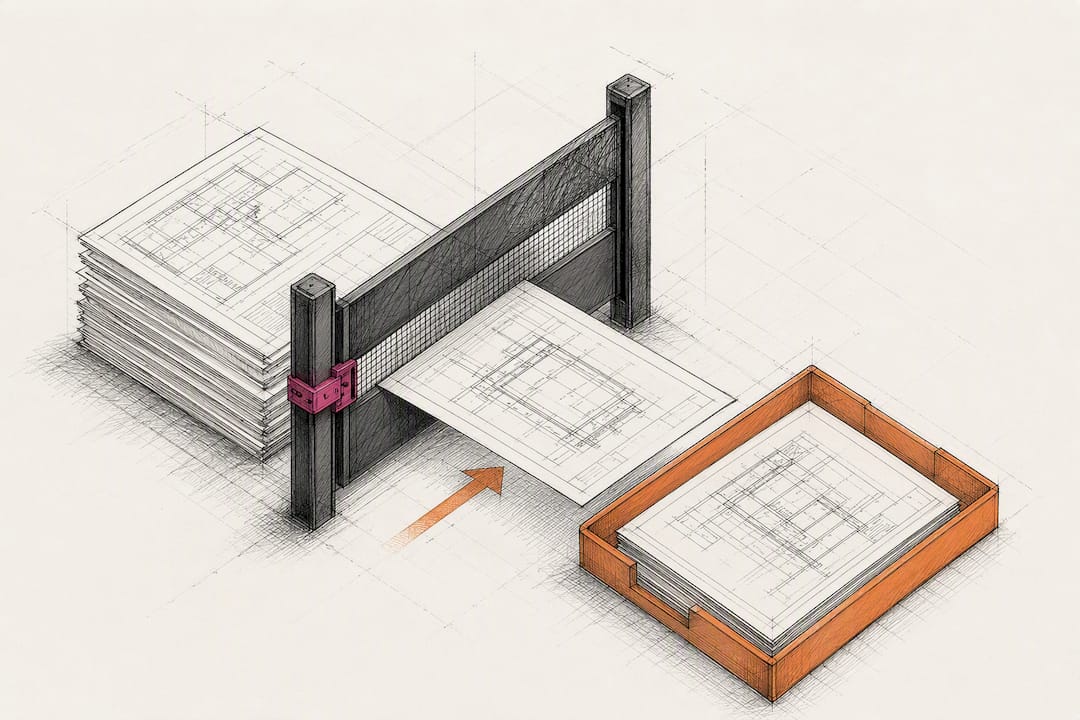
Document control and document management get used interchangeably, and that confusion causes real problems. Document management is the broader discipline: storing, organizing, and retrieving files. Document control is narrower and more rigid. It governs which version is authoritative, who can approve a change, and how that approval gets logged for later reference.
The distinction matters operationally. A document management system can store fifteen versions of a floor plan without complaint. A document control system enforces which one of those fifteen versions field crews are legally allowed to build from, and it locks the other fourteen out of active use.
Scope-wise, document control extends across the full lifecycle of project records: drawings and specifications, RFIs, submittals, contracts, change orders, meeting minutes, and closeout deliverables. It is a project-controls discipline as much as an administrative one. Standardized change-order workflows directly affect schedule performance and profit margins, which is why treating document control as clerical overhead rather than operational infrastructure is a mistake many contracting businesses make until it costs them a claim.
Security and access control fall inside this scope too. Not every subcontractor needs visibility into ownership’s financial terms, and not every field crew member needs edit rights to structural drawings. Role-based access, enforced through your CDE rather than through informal trust, is what keeps sensitive commercial and safety-critical documents out of the wrong hands without slowing down the people who need them.
Getting Buy-In Is Harder Than Getting the System Right
The technical side of document control is the easy part. What actually determines whether a new system survives past month three is executive sponsorship and a training cadence people don’t dread. I’ve watched firms buy the right platform and still fail, because nobody above the project manager treated it as a priority worth enforcing.
Quick wins matter more than comprehensive rollouts early on. Get one project working cleanly, show the PM team the reduced RFI chaos, and let that result do the persuading.
One production note for whoever assembles the visuals here: keep the imagery reflecting the real diversity of people who run job sites and offices in this industry, not one recurring face.
— Rowena Tulacz
How R. Construction Solutions Helps You Put This Into Practice
Reading a checklist and implementing it under deadline pressure are two different problems. If your team is stuck translating naming conventions and CDE requirements into something your PMs will actually use, that gap is exactly where R. Construction Solutions works.

R. Construction Solutions provides process improvement consulting, CMIS and CDE implementation guidance, and closeout coordination support built specifically for growth-stage contractors who have outgrown ad-hoc systems but haven’t yet built the governance structure to replace them. Rather than handing you a generic template, the firm works through your actual workflows: RFI routing, submittal logs, transmittal templates, and the ownership questions that stall most rollouts. For a related look at process mapping across stakeholders, the urban planning workflow checklist from 3D Urban Development offers a useful parallel on formalizing multi-party coordination.
If your current system is closer to a shared drive than a functioning CDE, start with a review of R. Construction Solutions’s construction consulting services and book a consultation to map out where your document control gaps are costing you the most.
Sources
Construction Document Control: Processes and Best Practices - LegalClarity
Construction contract closeout lessons learned and best practices | AIA Contracts Learning
Recommended
From Chaos to Coordination: Process Improvement for Construction
Construction Workflow Optimization: A 2026 Guide for Contractors
Running the job and the business at the same time? One short email a week — change orders, billing, job costing, scheduling. Free, no pitch. Subscribe.
Free and unconditional. No call required, no obligation, unsubscribe anytime.

